
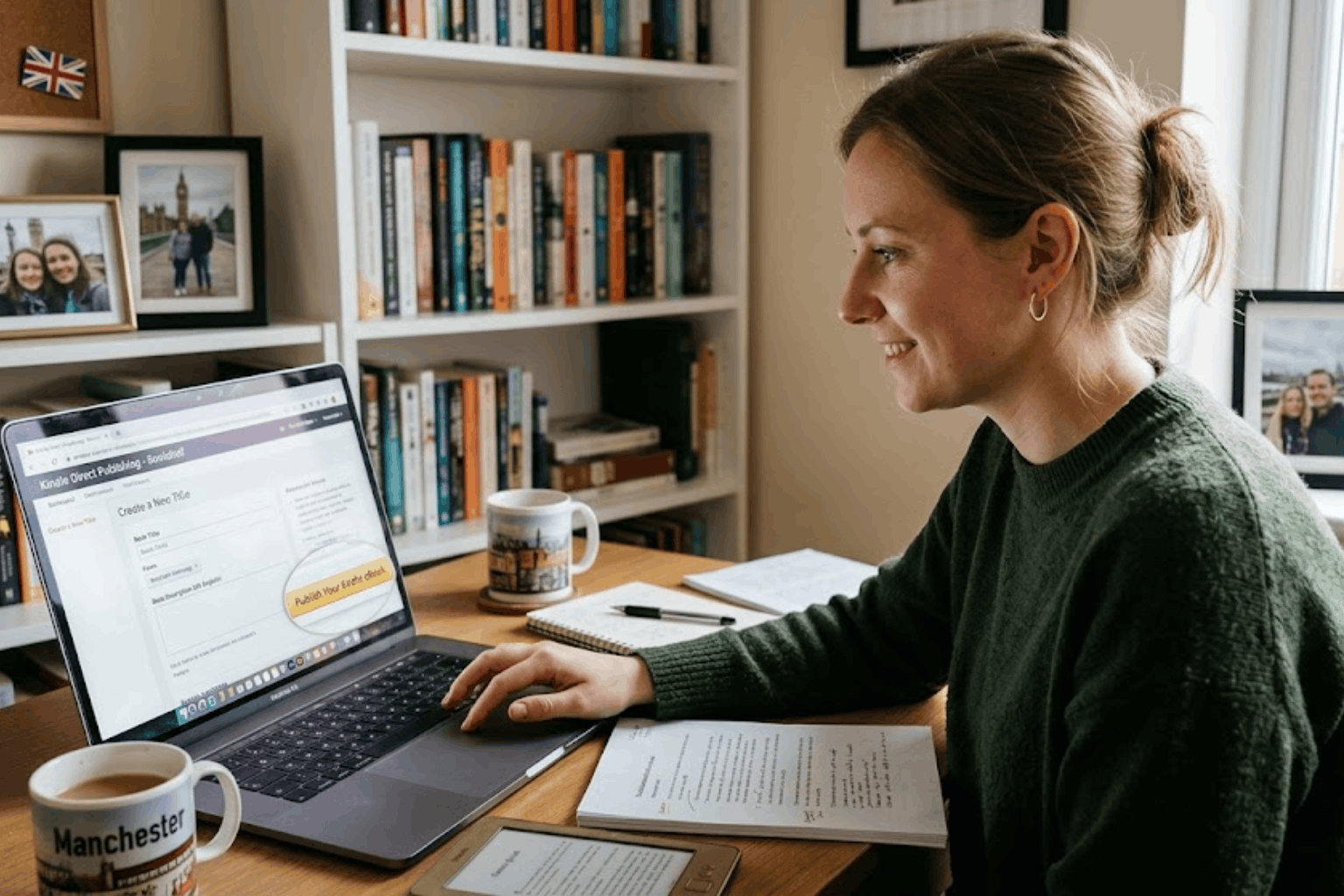
To publish on Amazon KDP from the UK, create a free KDP account, complete the tax interview, enter your book details, upload your manuscript and cover, set your prices and royalty options, and click publish. KDP is free to use, and Amazon takes a share of each sale instead.
This guide from Frontline Publishing UK, the UK branch of New York-based Frontline Publishing, explains each step, the 2026 royalty rules and the mistakes UK authors make most often.
What Is Amazon KDP?
Kindle Direct Publishing (KDP) is Amazon’s self-publishing platform. It lets you publish Kindle eBooks, paperbacks and hardcovers, and print books are produced on demand, so you never hold stock. There are no upload or listing fees, and you keep the rights to your book. Your book can appear on Amazon.co.uk and other Amazon stores around the world.
How Much Does Amazon KDP Pay in 2026?
KDP pays different royalties by format. Amazon’s own list price page says that from 7 July 2026 the 70% eBook band on Amazon.co.uk runs from £1.77 to £12.99.
| Format | Royalty | What to know |
| Kindle eBook | 70% | 70% of the price minus a £0.10 per MB delivery cost, if your price is £1.77 to £12.99 |
| Kindle eBook | 35% | 35% of the price, with no delivery cost, outside the 70% band |
| Paperback and hardcover | 50% or 60% | Of the list price minus printing cost, depending on your price |
| Expanded Distribution | 40% | Of the list price minus printing cost, for sales outside Amazon |
KDP changes its rules from time to time, so check the KDP Help pages before you set prices.
Step 1: Prepare a Professional Manuscript
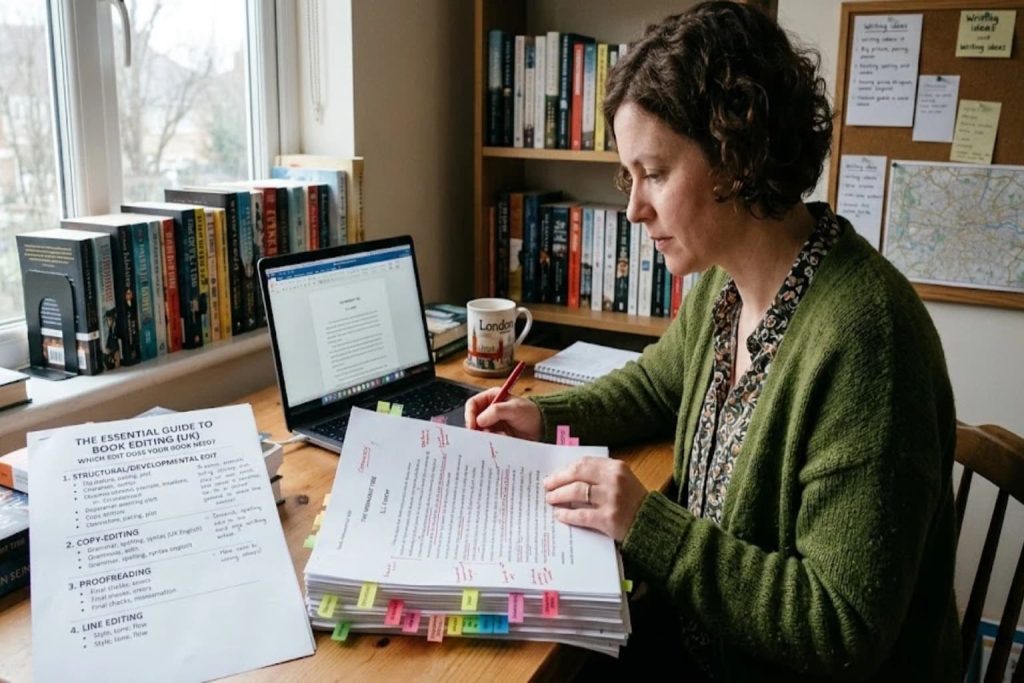
Amazon readers leave public reviews, so errors cost you sales. Have your book edited and proofread first. Our guide to the types of book editing explains what you need, and our book editing team can help.
Step 2: Design Your Cover and Format Your Files
KDP needs a cover file and an interior file built to exact specifications, and eBooks and paperbacks need different layouts. A professional book cover design and book formatting help your listing look credible next to traditionally published titles.
Step 3: Create Your KDP Account and Complete the Tax Interview
Sign in with an Amazon account, add your bank details and complete the tax interview. As a UK author, answering it correctly matters because Amazon is a US company and may withhold US tax from your royalties if your tax details are missing. Royalties are also taxable in the UK. If your self-employment income exceeds the £1,000 trading allowance, you will need to register for Self Assessment with HMRC. Speak to an accountant if you are unsure.
Step 4: Enter Your Book Details
Add your title, subtitle, author name, description, keywords and categories. Write the description like sales copy, because it appears on your Amazon page and in search results. KDP also asks whether your content includes AI-generated material, so answer honestly.
Step 5: Choose Your ISBN
KDP offers a free ISBN for paperbacks, but it lists Amazon as the publisher and can only be used through KDP. If you want to sell elsewhere or be listed under your own imprint, buy your own ISBN. Our guide on how to publish a book in the UK explains ISBNs and legal deposit.
Step 6: Upload Your Files and Check the Preview
Upload your manuscript and cover, then use the online previewer to check layout, margins and images. For paperbacks, order a proof copy so you can inspect the printed book before it goes on sale.
Step 7: Set Your Price and Royalty Option
Choose your price for each Amazon store, and pick 70% or 35% for your eBook. Price your eBook at least 20% below the physical edition, and remember that larger files cost more to deliver at 70%. Many authors price a debut eBook between £2.99 and £4.99, which sits inside the 70% band, then adjust after seeing how readers respond. Use KDP’s royalty calculator to check what you will earn before you commit.
Step 8: Publish and Launch
Most books go live within a few days after review. Then send your legal deposit copy to the British Library within one month, and start promoting. Our book marketing team can help you plan a launch. If you would rather hand over the technical work, our Amazon KDP services can manage it for you.
Is KDP Select Worth It?
KDP Select enrols your eBook exclusively with Amazon for 90 days. In return you can use Countdown Deals and earn from Kindle Unlimited page reads. It suits authors who want to focus on Amazon, but it stops you selling that eBook on other stores during enrolment.
Common KDP Mistakes to Avoid
- Skipping professional editing and cover design.
- Ignoring the tax interview.
- Pricing a paperback too low to cover printing costs.
- Using a free ISBN without understanding its limits.
- Forgetting legal deposit and a launch plan.
Do You Need Help Publishing on Amazon KDP?
KDP is simple in theory, but the details take time. Frontline Publishing UK offers Amazon KDP publishing services that cover file preparation, account set-up, uploading, pricing and launch support. You can also explore our full book publishing services.